1 December 2025,
Monday

1 December 2025,
Monday

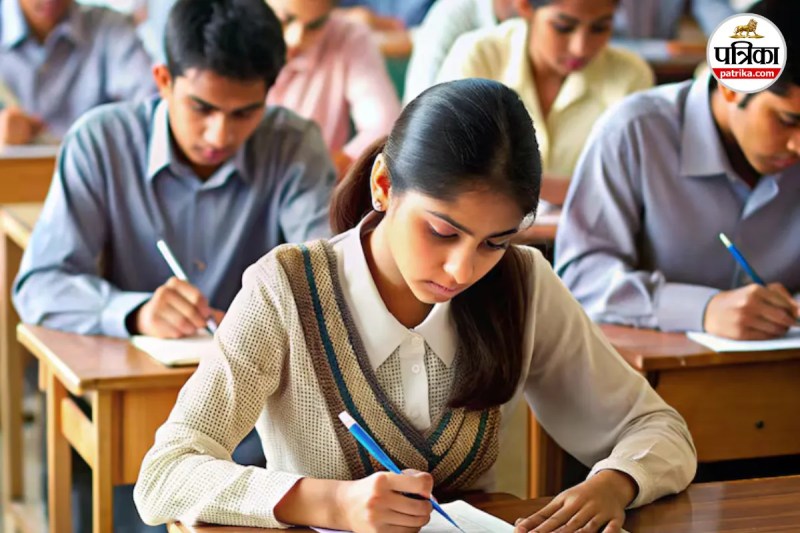
JEE Main exam (Image: Patrika)
JEE Main 2026 Correction Window: Often, mistakes are made in haste while filling out forms. Sometimes the spelling of a name is incorrect, sometimes the date of birth, and sometimes something else... If you are also an aspirant of JEE Main 2026 and have made a mistake while filling out the form this time, then this news is for you.
In fact, the National Testing Agency (NTA) has opened the JEE Main 2026 Correction Window, allowing you to correct your mistakes. But remember, this is the last chance for correction, and time is very limited.
NTA has clarified that the correction window will be open for a limited time. This facility will be available between December 1 and December 2. This means you will have 48 hours to correct your mistakes.
Therefore, if you feel that something needs to be updated in the form, keep an eye on the official website jeemain.nta.nic.in immediately.
The biggest question in the minds of students is what exactly can they change? NTA has provided a list for this. You can make changes to the information given below.
Be careful, NTA has kept some things 'fixed', which you will not be able to edit even if you want to. For security reasons, your mobile number, email ID, home address (permanent and present), emergency contact, and uploaded photograph cannot be changed. Therefore, carefully check the remaining options that are open.
If you don't know how to make corrections, just follow these simple steps.
The biggest reason for form rejection is often a poor photograph or signature. NTA has stated that the photograph must be very clear. If the photo is blurry, the form may be rejected.
Similarly, upload your signature only after writing it clearly on a white paper.
Finally, an important piece of advice for students. Sometimes students are stressed about what will happen if they miss Session 1. Remember, missing JEE Main Session 1 does not disqualify you. You also have the option of Session 2. Many students deliberately appear only for the second session to balance their preparation with board examinations.
Big News
View AllEducation News
Trending